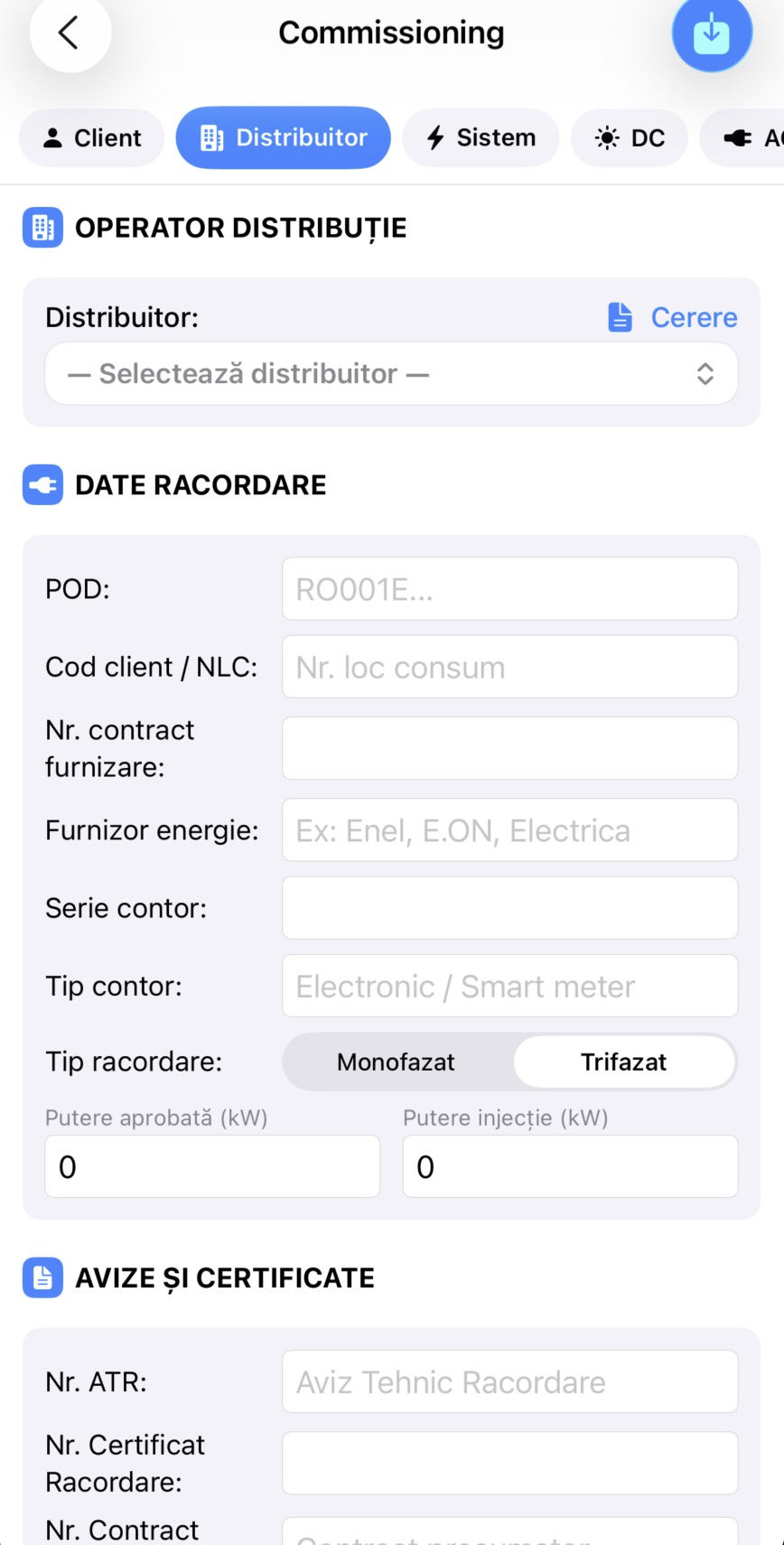
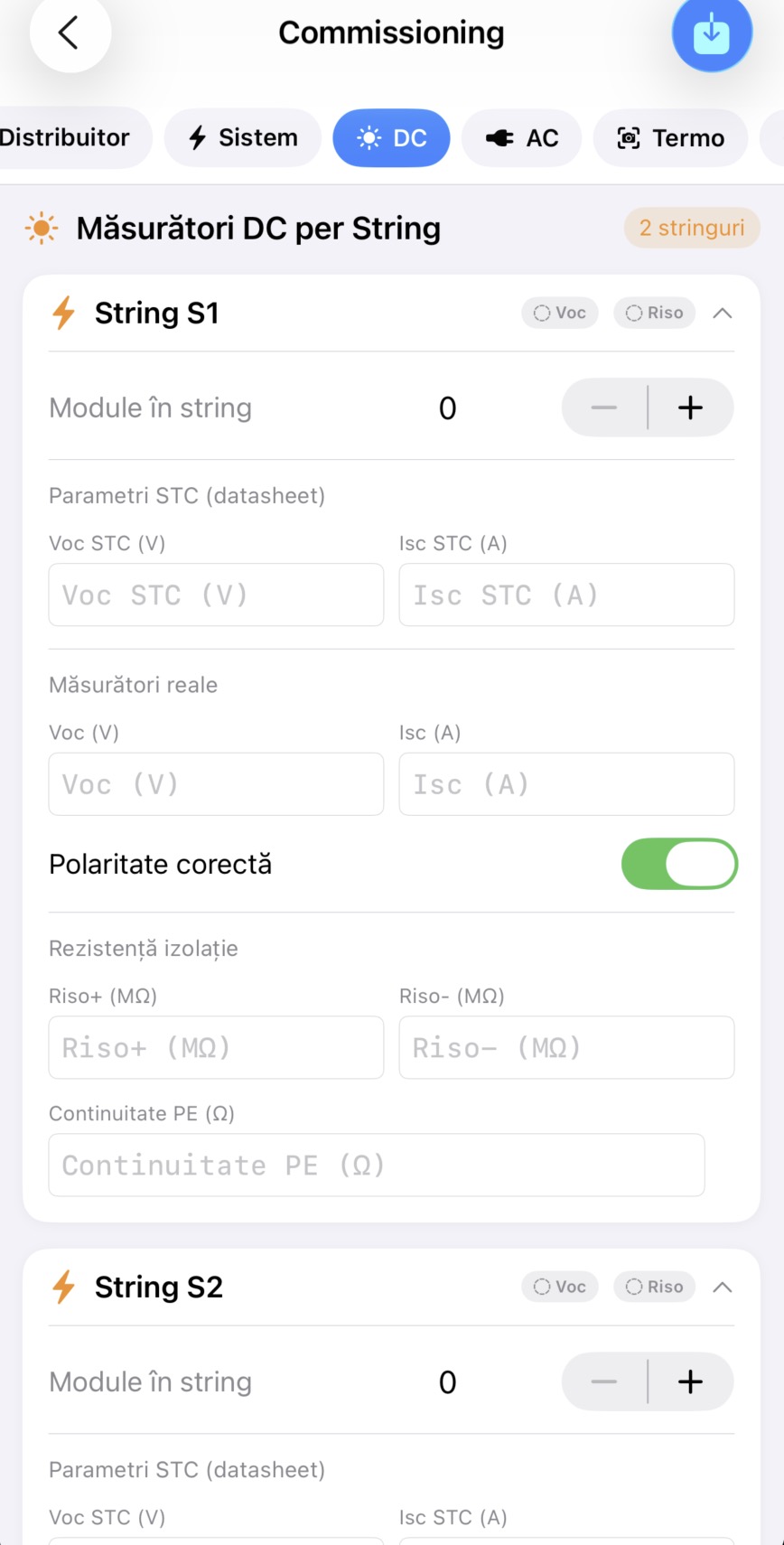
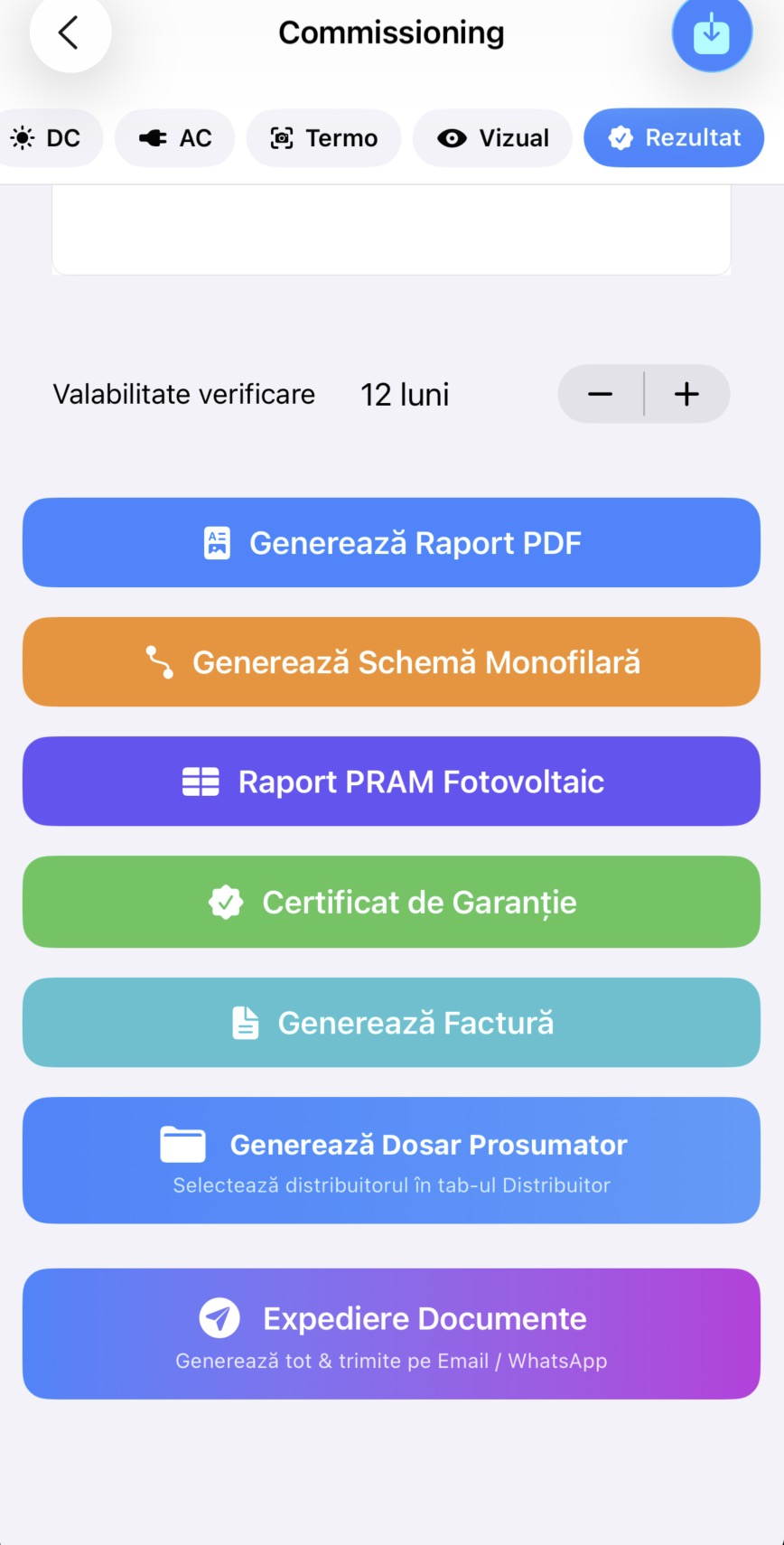
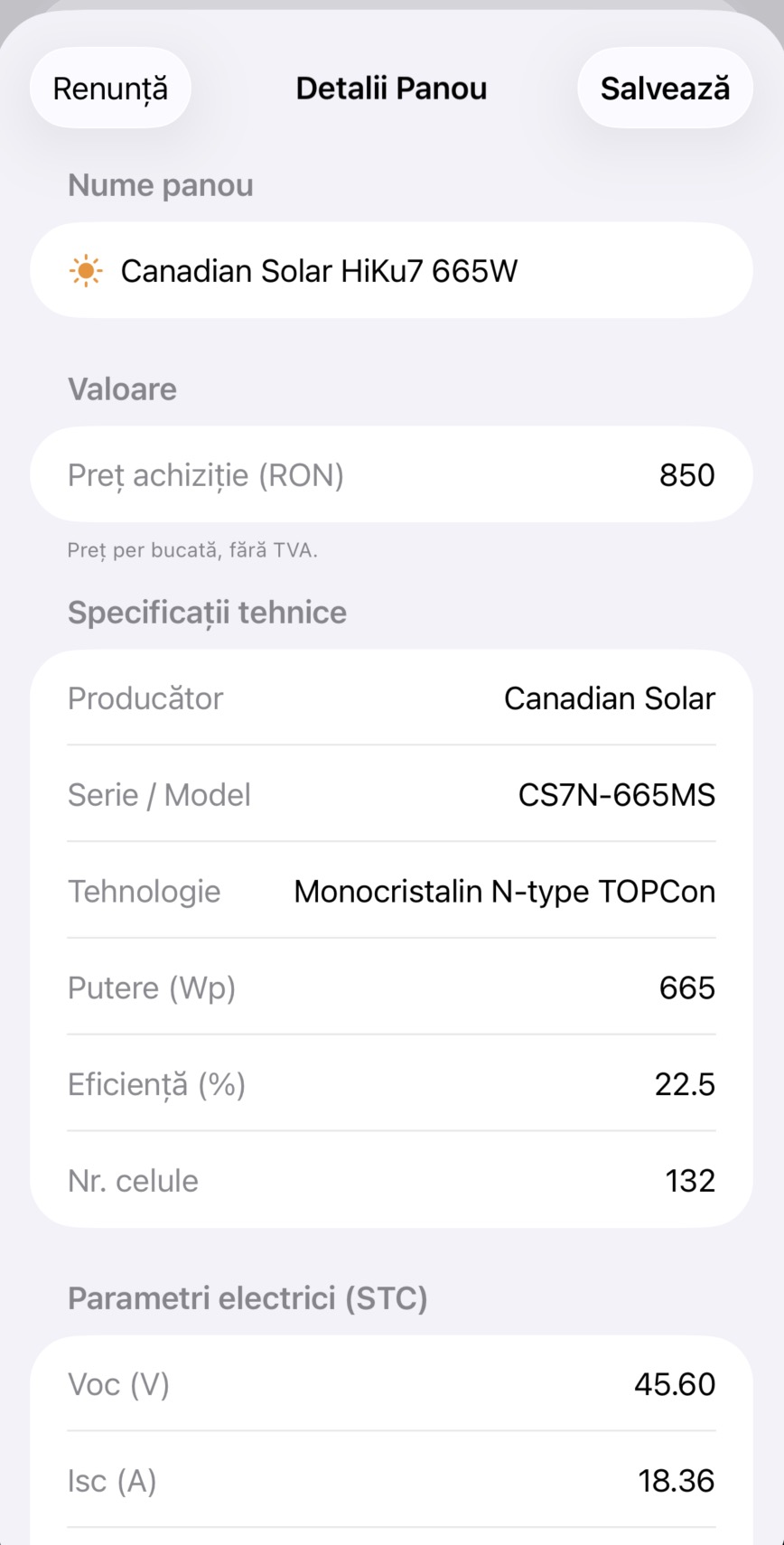
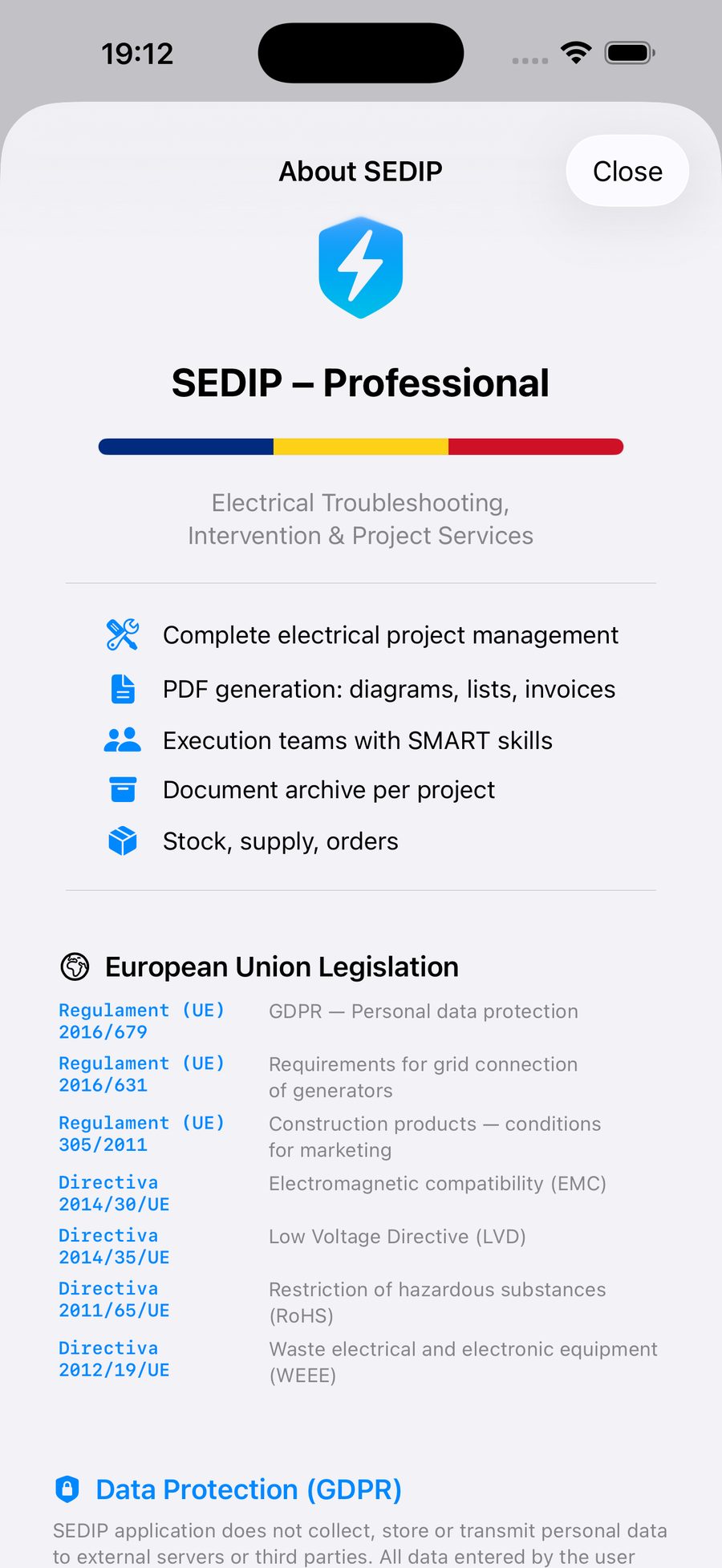
This app stores user data locally on the device. We do not operate servers that collect or store personal information. All purchases are handled securely by Apple. Users can delete their data at any time by removing it directly within the app or by uninstalling the application.
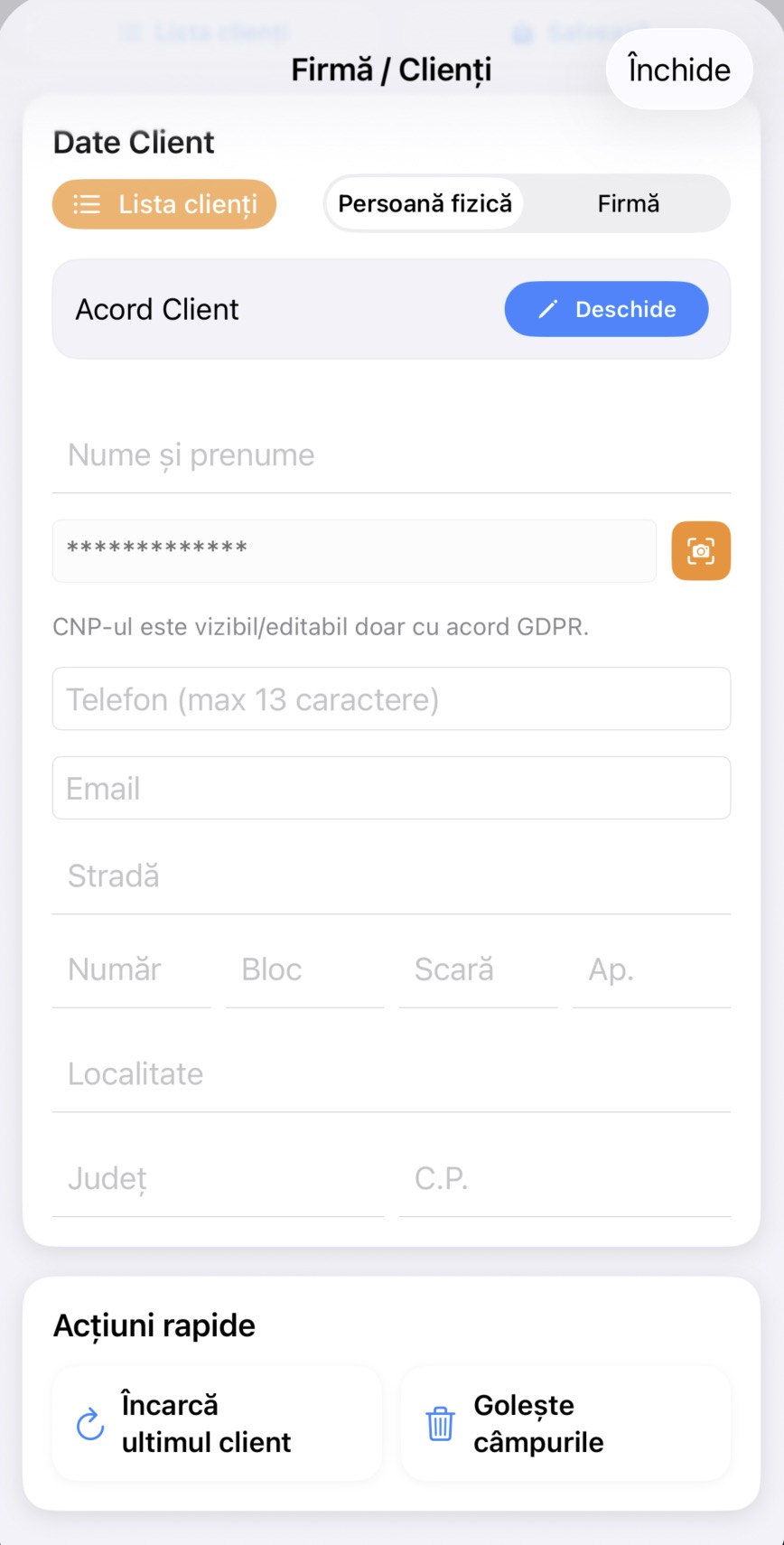
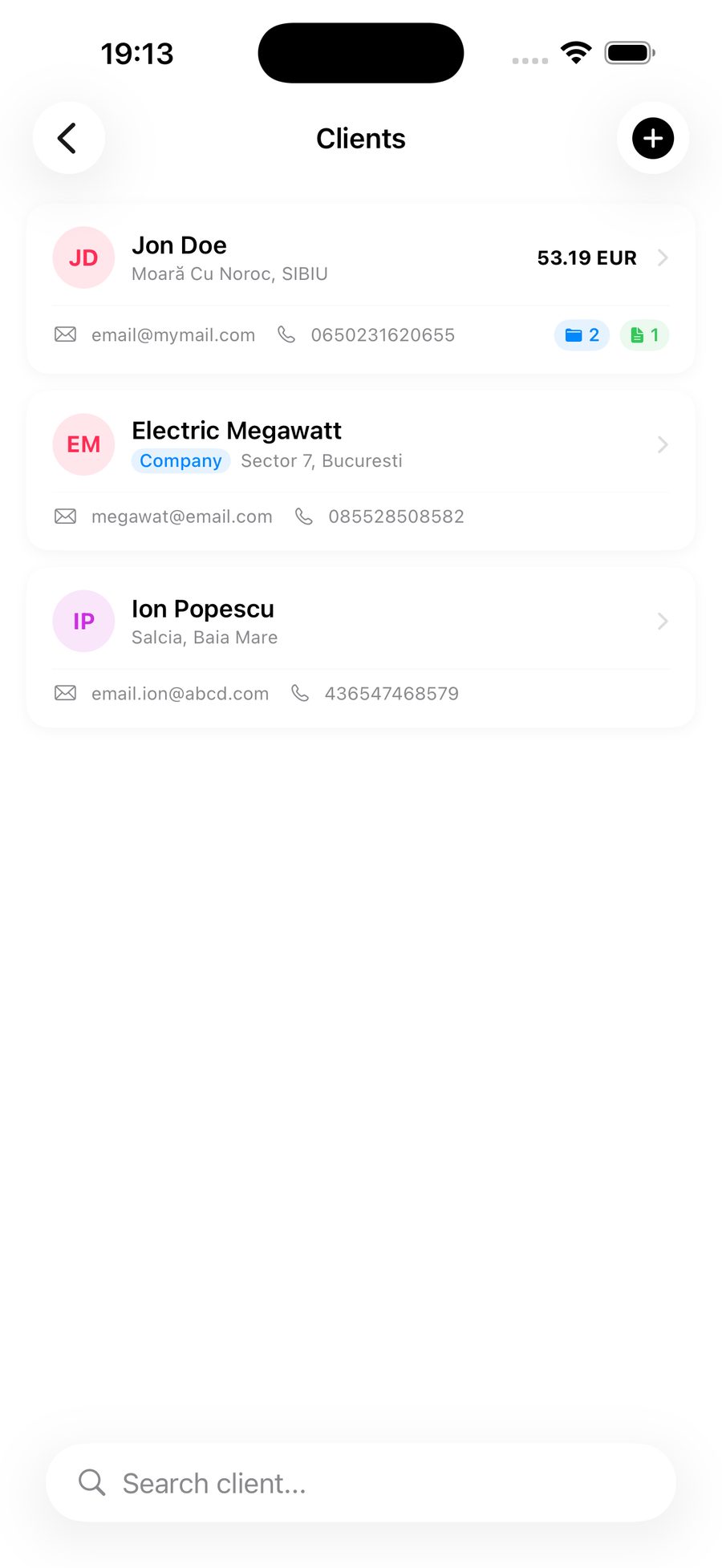
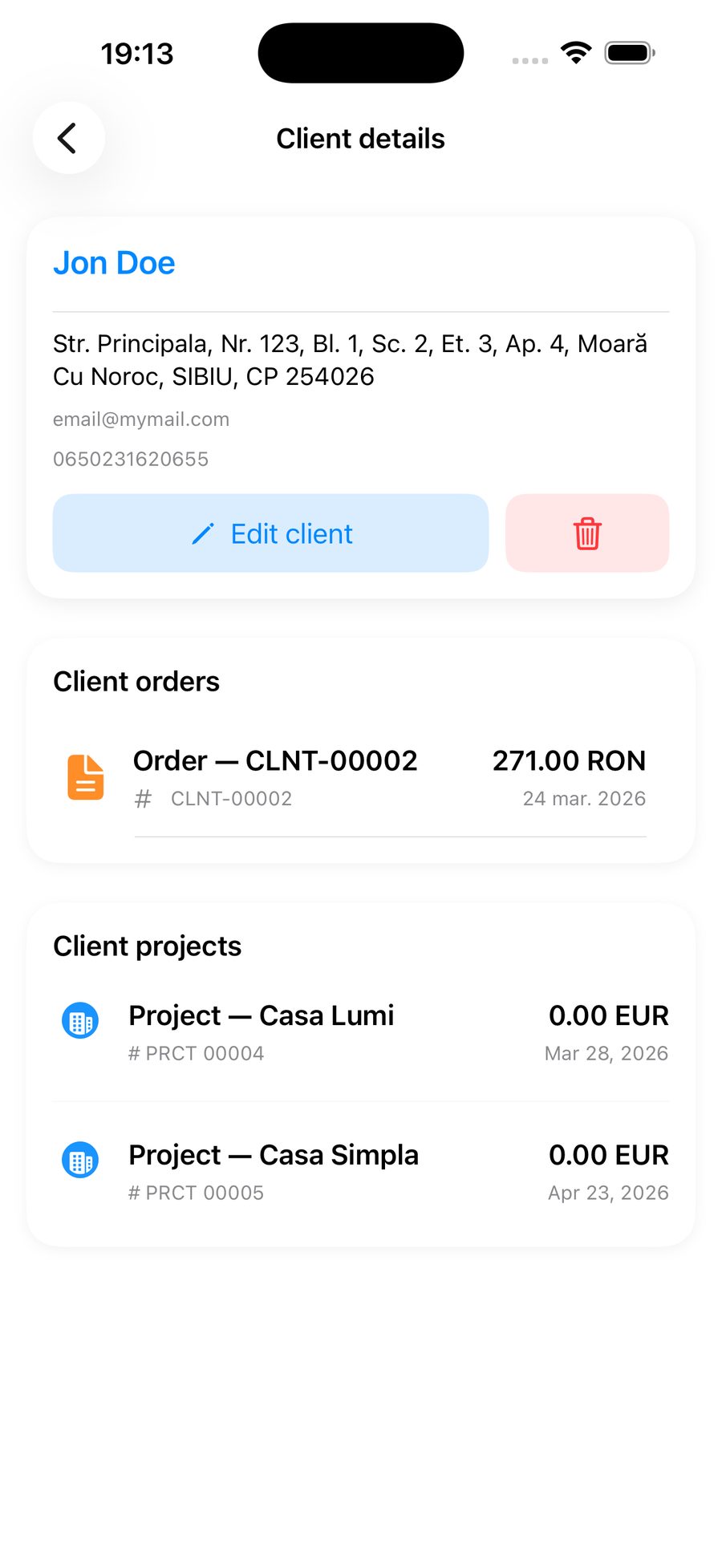
SEDIP Grid and SEDIP Projects do not collect or transmit personal data to our servers. All personal data, such as client information, measurements and reports, is stored locally on the user's device and remains under the user's control.
ℹ️Your data stays on your device. We do not have access to it.
02
2. Purpose of data usage
Personal data stored within the app is used solely for providing the app’s core functionality, including generating reports, managing projects and storing measurement results. No data is used for advertising, profiling or tracking purposes.
03
3. Transaction data
In-app purchases are processed exclusively through the Apple App Store. We do not have access to users' payment data, such as card or bank account information.
04
4. Technical data
The app may collect limited, anonymous technical data such as device type and iOS version through Apple-provided services, such as App Analytics, to improve performance. This data cannot be used to identify individual users.
05
5. Third-party services
We do not share, sell or transfer personal data to third parties. The only exception is Apple services required for App Store operation, app analytics and payment processing.
06
6. Data retention
All data is stored locally and remains on the device until deleted by the user. Users can delete their data at any time from within the app, where available, or by uninstalling the application.
07
7. GDPR rights
Users have full control over their data, including the right to access, modify and delete their information at any time. Since no personal data is transmitted or stored on external servers, all data remains under the user's control.
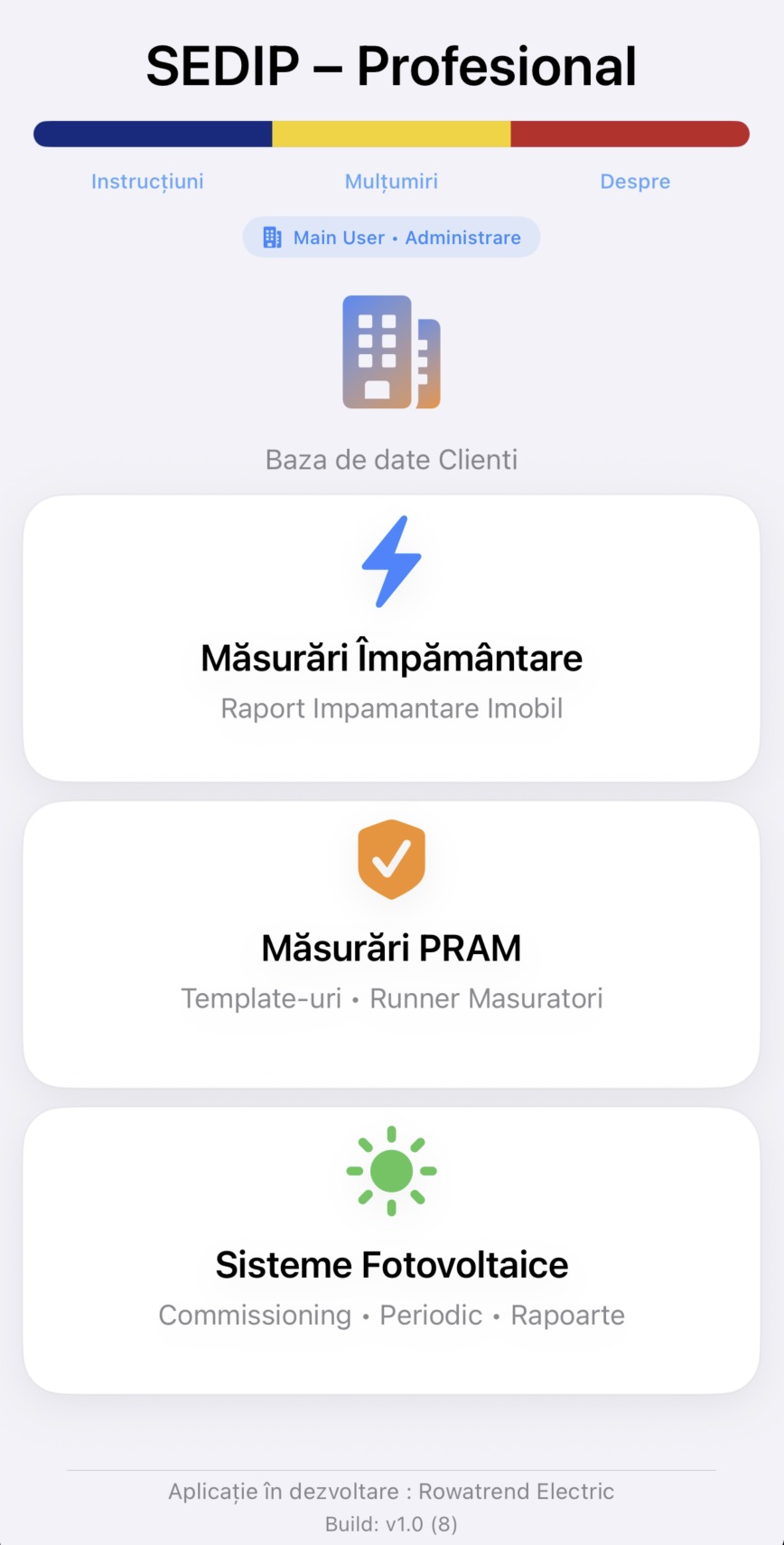
Individually purchased modules (Grounding, PRAM, Photovoltaics) are permanent licenses — you own them forever. The Full App subscription renews annually and can be cancelled at any time. All transactions are managed exclusively by Apple.
By downloading and using the SEDIP apps, you accept these terms and conditions. If you do not agree, please do not use the apps.
02
2. License
Rowatrend grants you a limited, non-exclusive, non-transferable license to use the apps on your iOS devices. Individually purchased modules are permanent licenses. The Full App subscription is valid for the duration of the active subscription.
03
3. Purchases and subscriptions
All purchases are made through the Apple App Store and are subject to Apple's refund policies. The annual subscription auto-renews unless cancelled at least 24 hours before the expiry date.
⚠️Cancel the subscription at least 24h before renewal to avoid being charged.
04
4. Limitation of liability
The apps are provided "as is". Rowatrend does not guarantee that the apps will be error-free or uninterrupted. Generated reports must be verified by the user before official use.
05
5. Intellectual property
The SEDIP apps, including source code, design and content, are the property of Rowatrend. Unauthorised use is prohibited.
Search for "SEDIP Grid" in the App Store, tap Install, then open the app. On first launch you will have 7 free trial days for all modules.
02
Which devices are compatible?
SEDIP Grid runs on iPhone with iOS 17.0 or newer. Recommended: iPhone 12 or newer for best performance.
03
Which module should I choose?
If you only need one type of measurement, choose the individual module (one-time purchase). If you need everything plus electronic invoicing, the annual subscription is the best option.
💳
Purchases & subscription
How do I restore purchases on a new device?
Open the app → Settings → License → "Restore purchases". Use the same Apple ID as the original purchase. If you have issues, make sure you are signed in with the correct account in Settings → Apple ID.
How do I cancel the subscription?
On iPhone: Settings → Apple ID → Subscriptions → SEDIP Grid → Cancel Subscription. Cancellation must be done at least 24 hours before the renewal date. Individually purchased modules remain active after cancellation.
What happens when the subscription expires?
Individually purchased modules (Grounding, PRAM, Photovoltaics) remain permanently functional. Only subscription-exclusive features (electronic invoicing, priority support) are deactivated. Your data is not deleted.
Can I get a refund?
All purchases are processed through the Apple App Store. For refunds, contact Apple support at reportaproblem.apple.com or from the App Store app → account → "Report a Problem".
If I buy PRAM, do I also get Grounding?
Yes. Both the PRAM and Photovoltaics modules automatically include the Grounding module. You do not need to purchase it separately.
🔧
Technical questions
Where is my data stored?
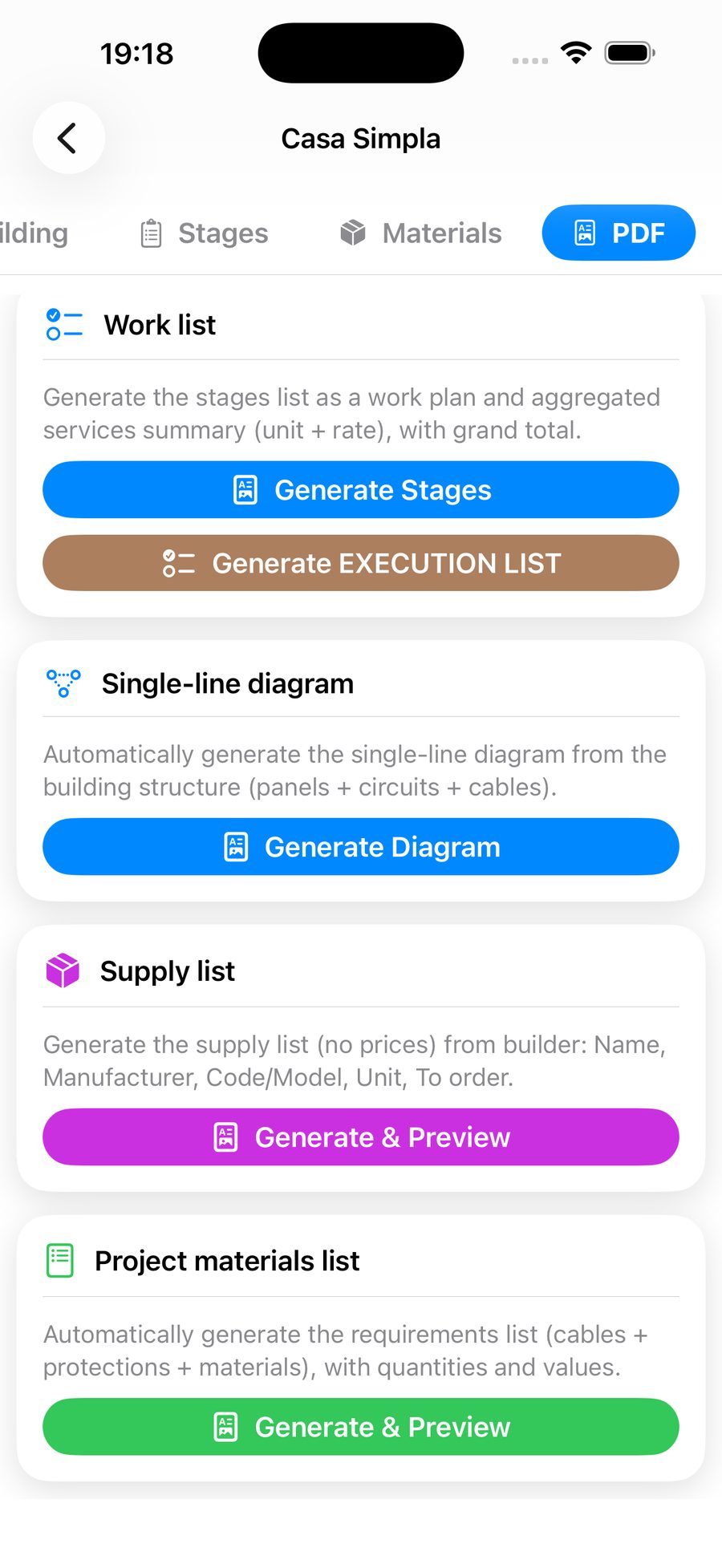
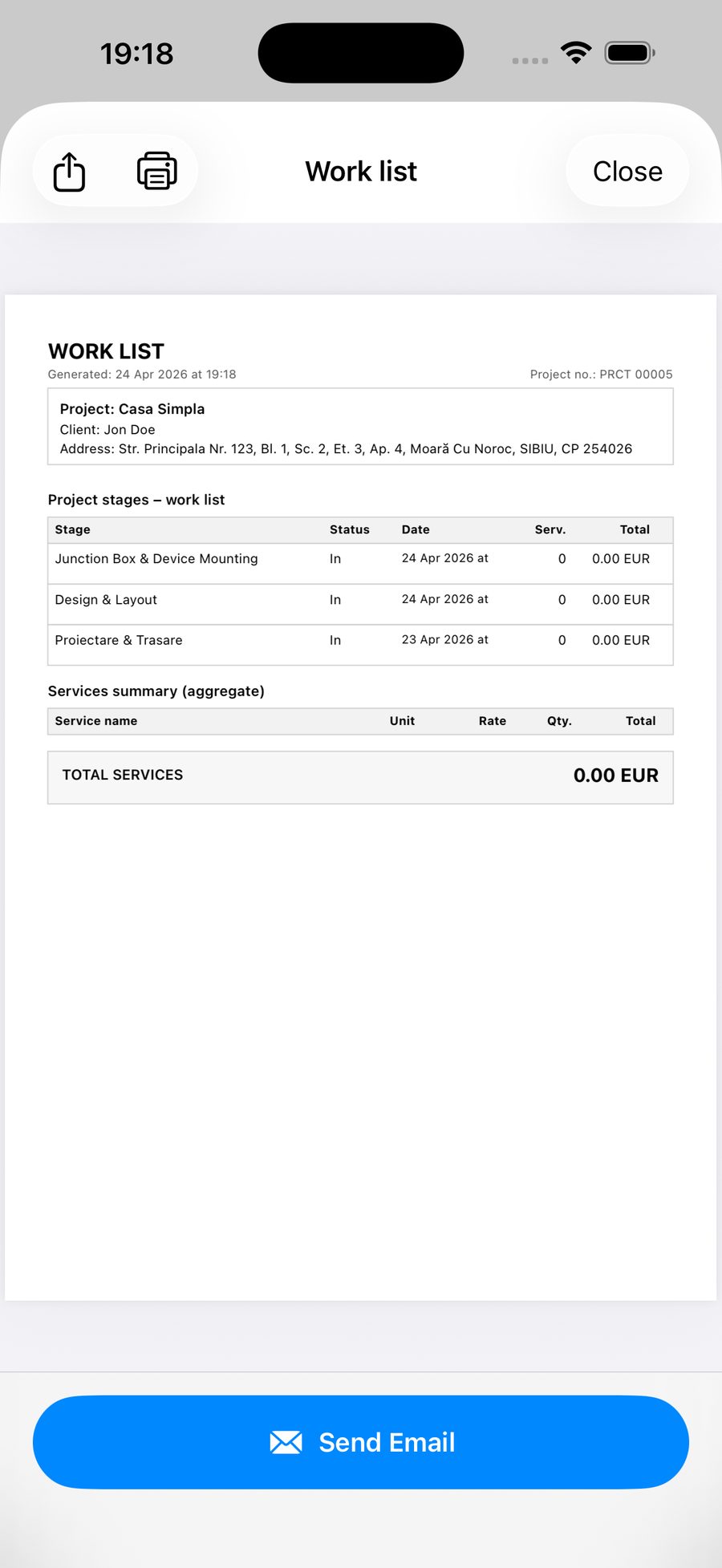
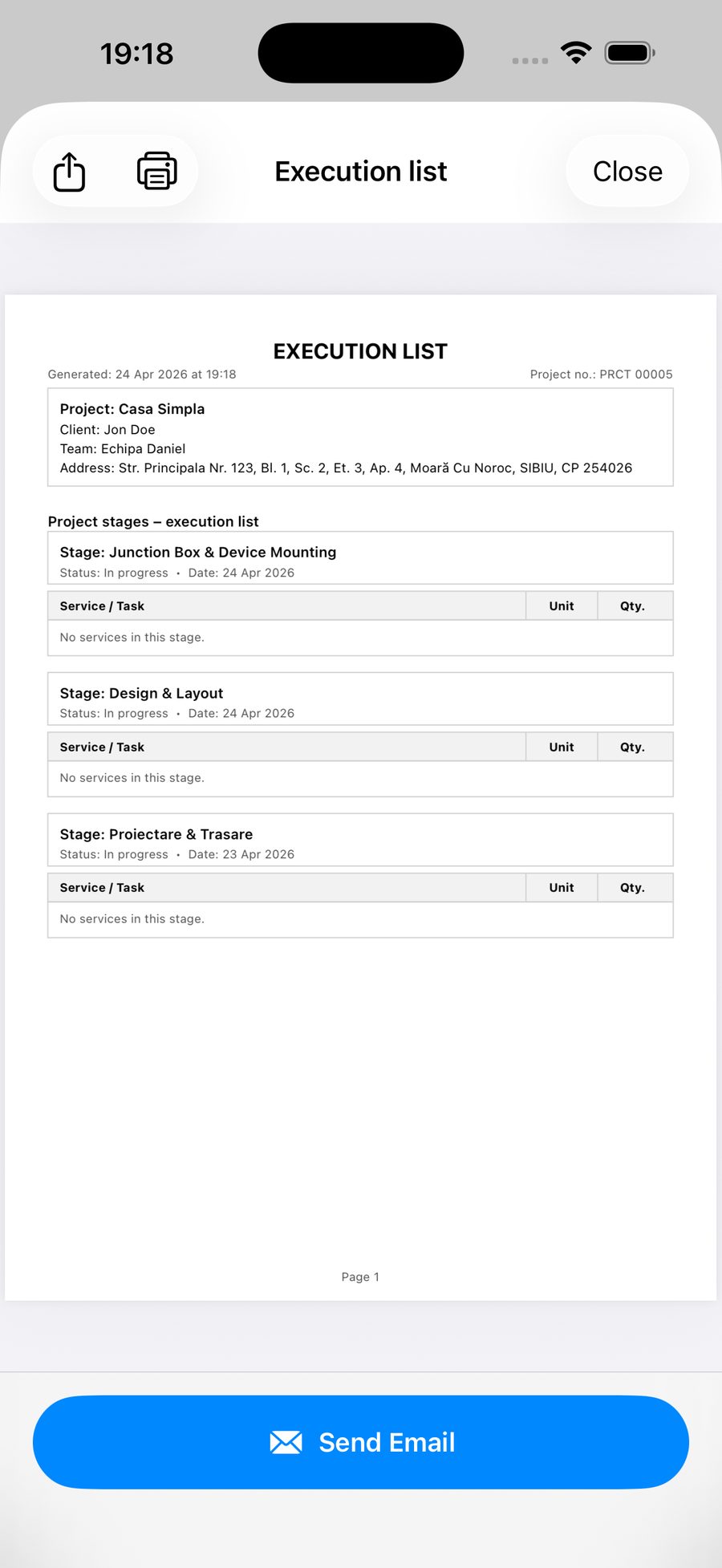
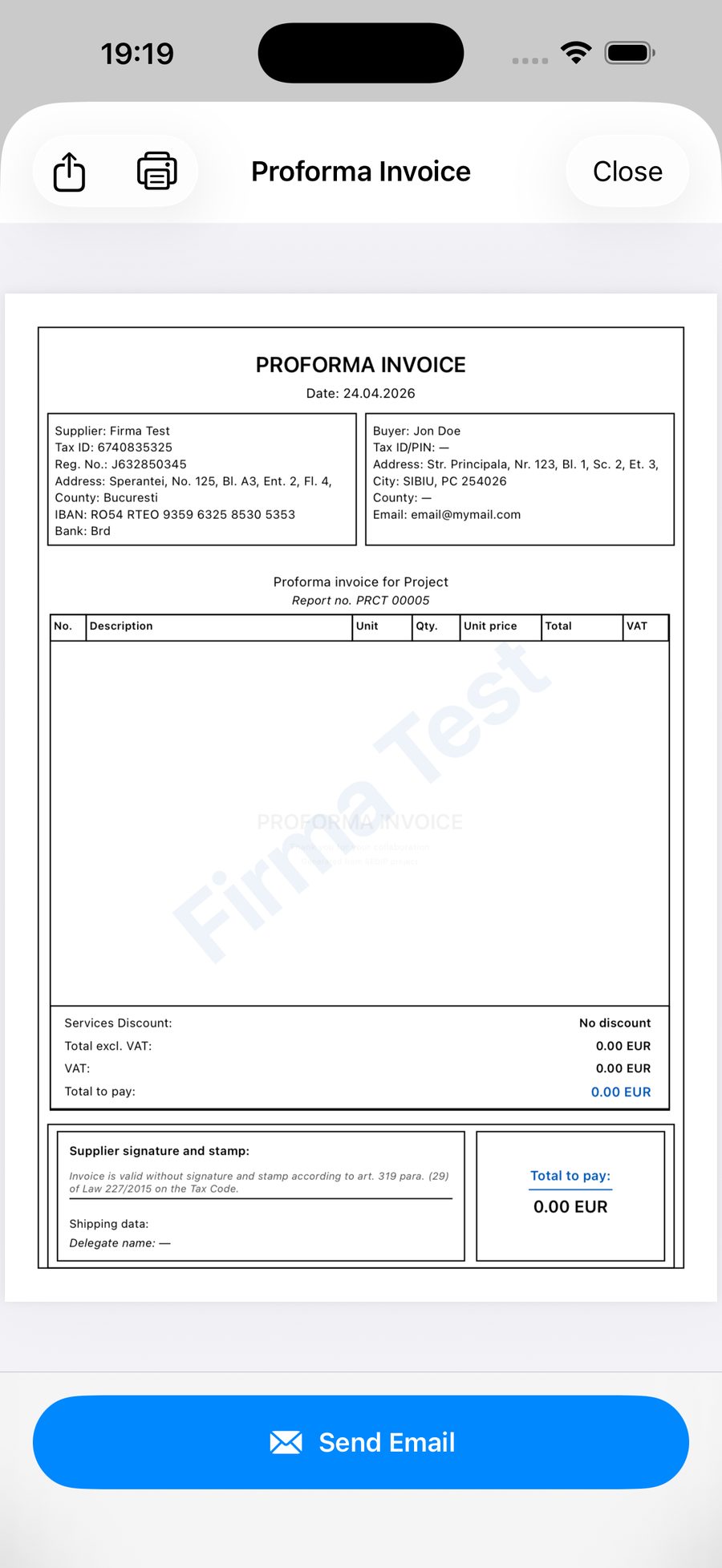
All data (clients, measurements, PDF reports) is stored exclusively on your device. We do not send data to external servers. We recommend making regular backups via iCloud or iTunes.
What is the Master / Employee system?
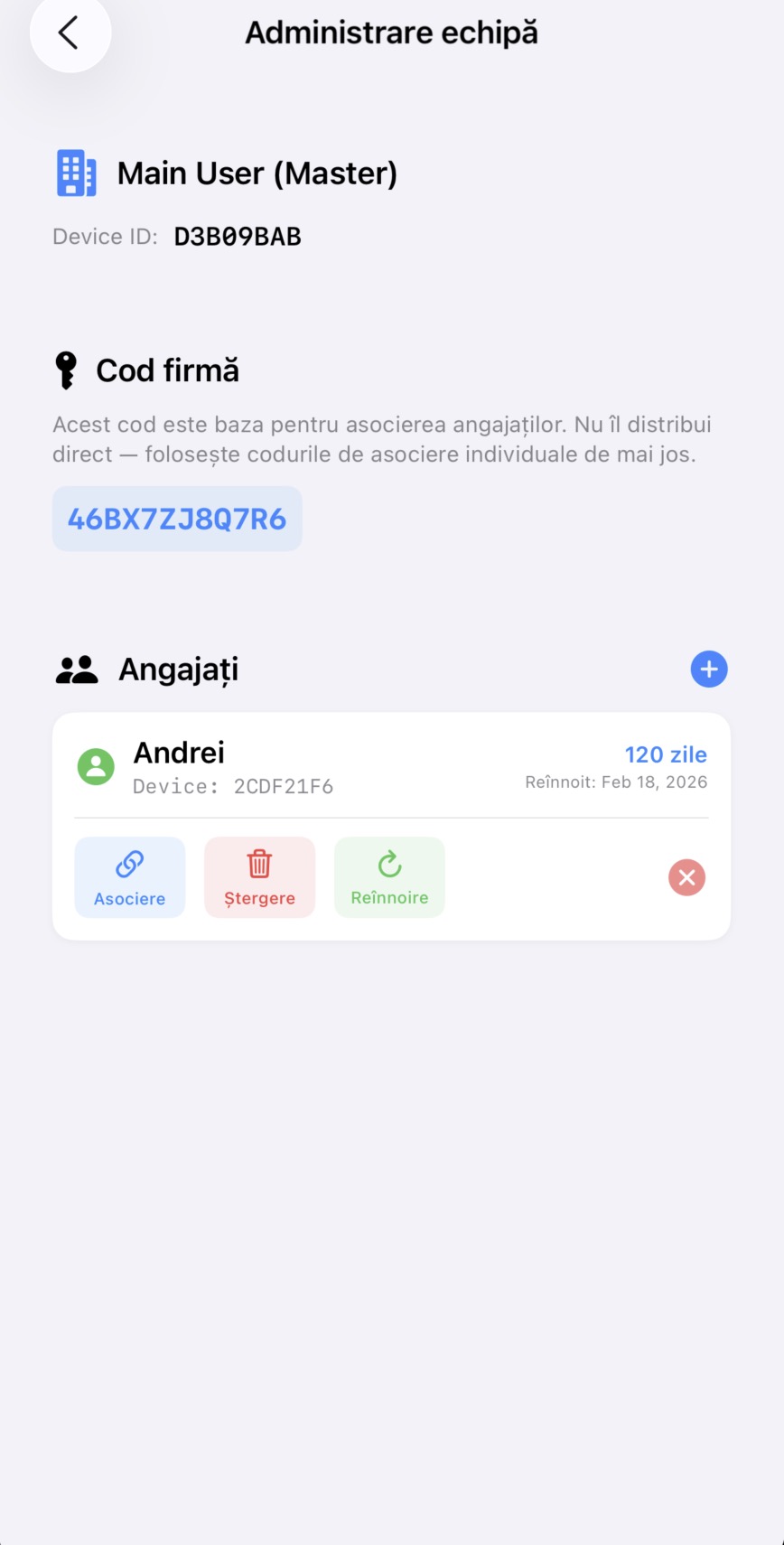
The role system allows companies to manage employee devices. Main User (Master) manages licenses and deletion codes. Employee (User) uses the app in the field with limited permissions. If you work independently, choose Main User.
The PDF report does not look right. What should I do?
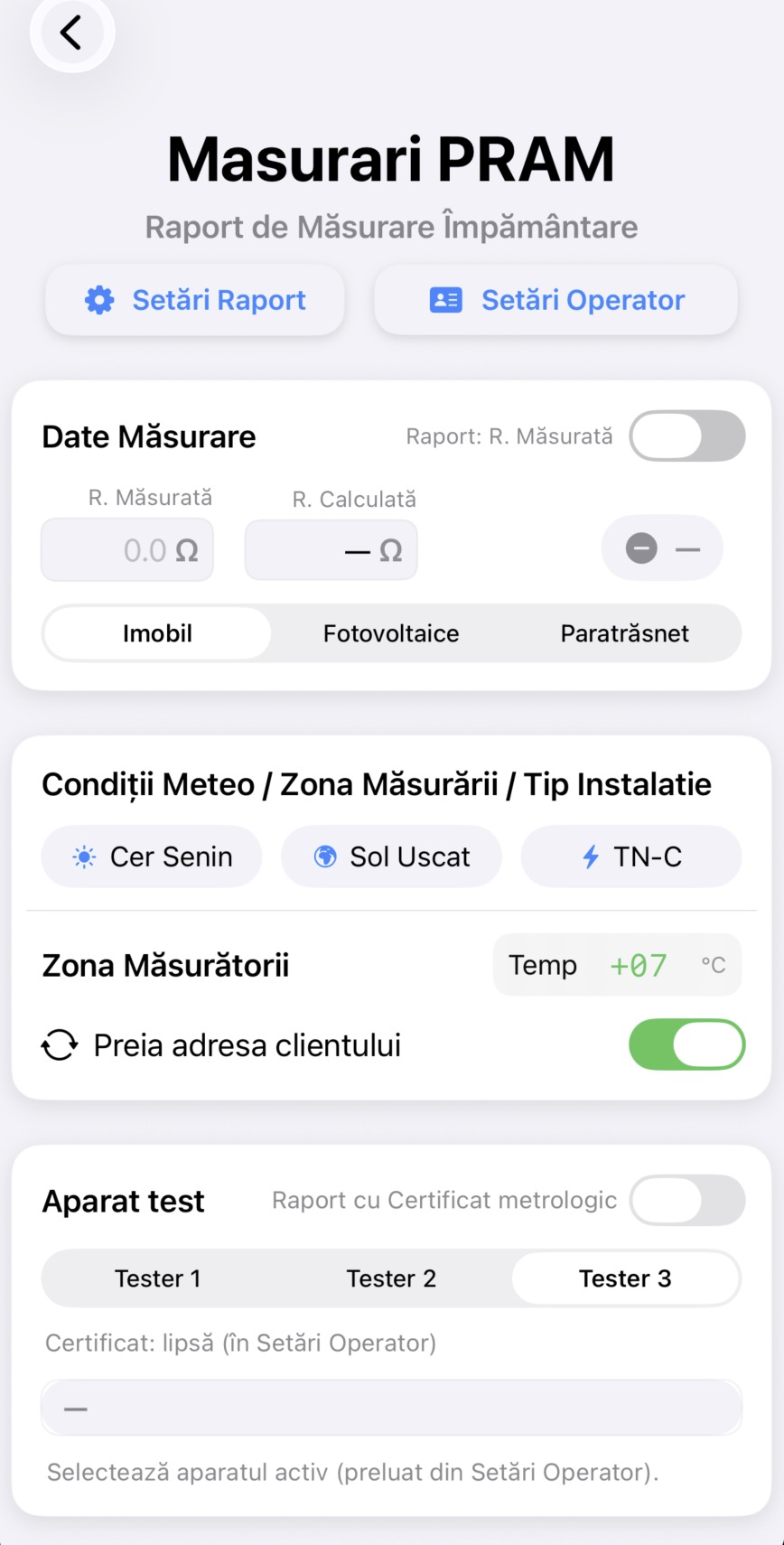
Check that you have filled in all required fields (client, operator, measurement data). Make sure you have enough storage space on your device. If the problem persists, contact us at contact@rowatrend.com with a screenshot of the error.
Can I export data from the app?
Yes. PDF reports can be shared via email, AirDrop, iCloud Drive, or any other compatible app. Use the share button from the report viewer.
🛠️
Troubleshooting
App crashes unexpectedly
Update to the latest version from the App Store. Restart your phone. If the problem persists, reinstall the app (local data will be lost — back up first).
Can't complete purchase
Check your internet connection. Make sure you have a valid payment method in Apple ID. Try again after a few minutes. If the error persists, contact Apple support.
Didn't find your answer?
Our team is ready to help. Write to us and we will get back to you as soon as possible.